Android Online Live Class by Experts
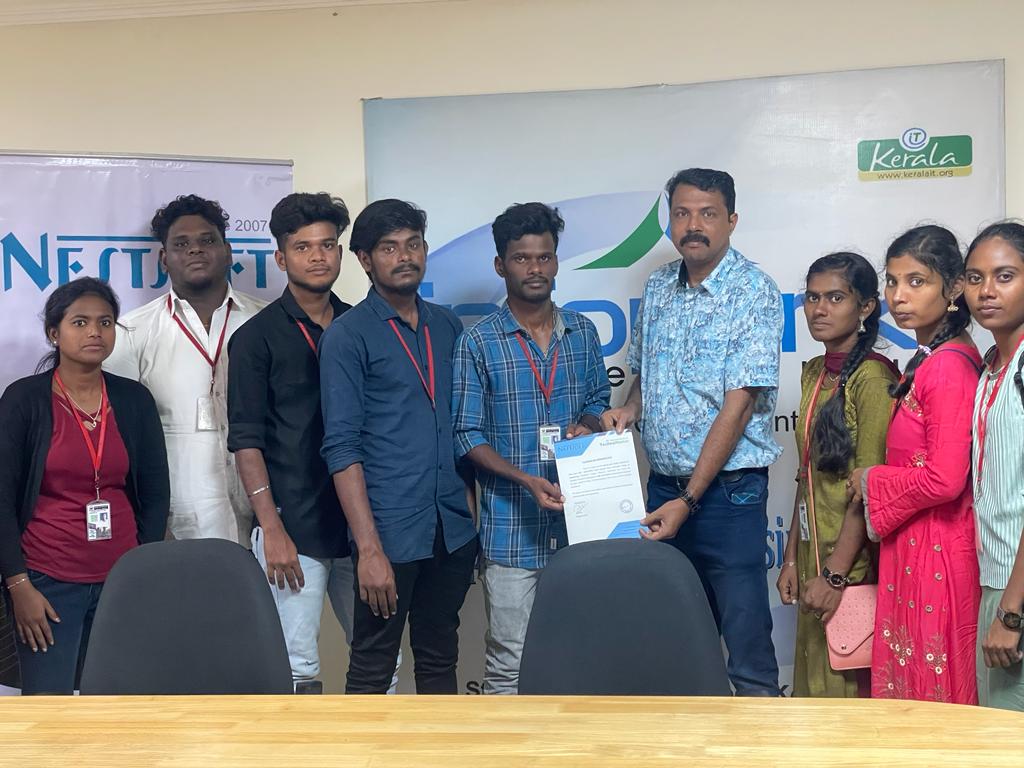
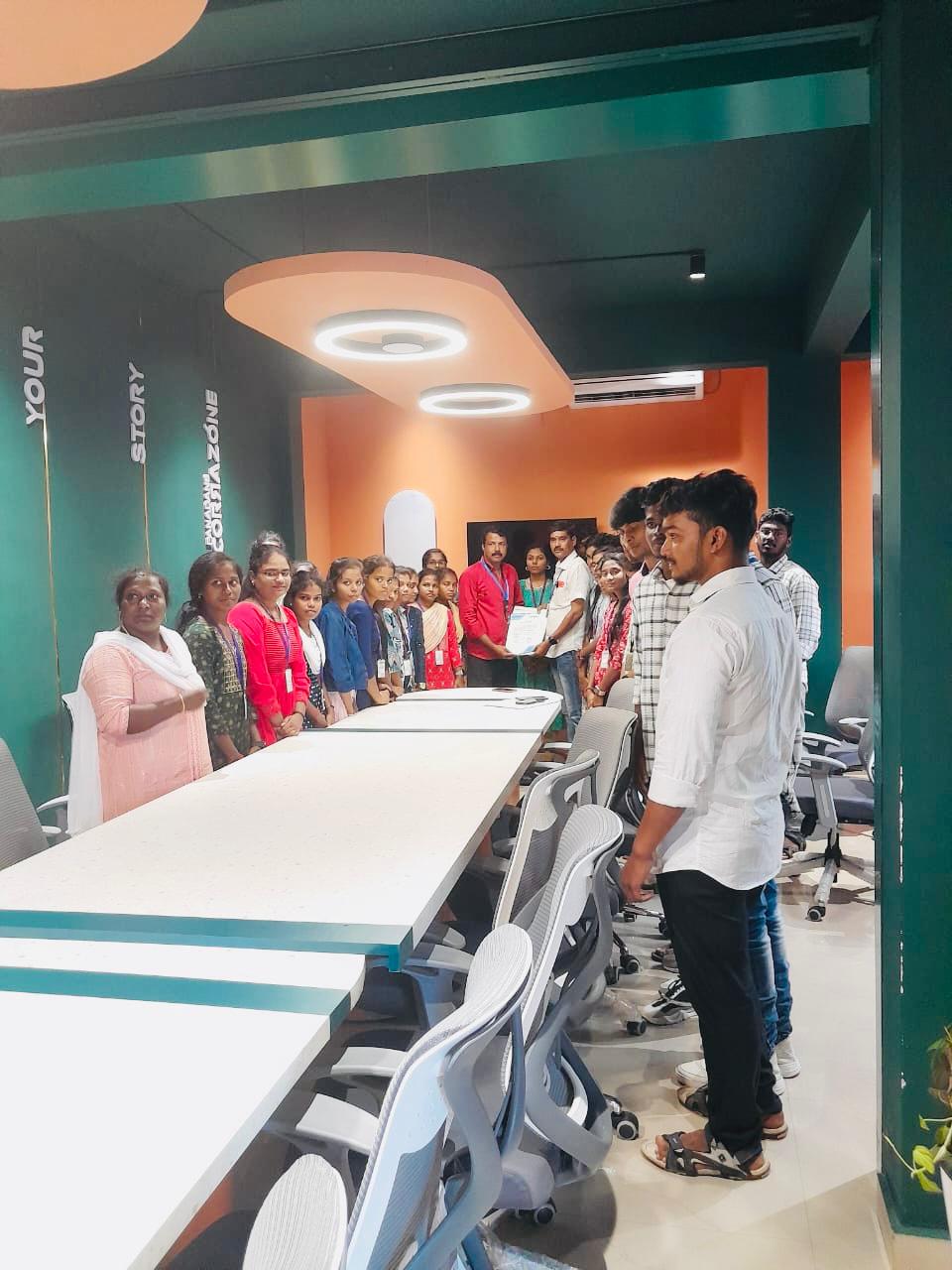
Our Training/Internship Process

Android - Syllabus, Fees & Duration
Getting Started with Kotlin
- Define Kotlin
- Environment Setup
- First Program Concept
- Kotlin Variable and Data Type
- Kotlin Type Conversion
- Kotlin Operator
- Input/Output
Control Flow
- if Expression
- when Expression
- for Loop and while Loop
- Do while Loop
- Return and Jump
- Continue Structure
Exploring Kotlin Functions
- Kotlin Function
- Recursion Function
- Default and Named Argument
- Kotlin Lambdas
- Higher-Order Function
- Kotlin Inline Function
Exception Handling
- Kotlin Try Catch
- Multiple Catch Block
- Nested Try Block
- Kotlin Finally Block
- Kotlin Throw Keyword
Overview of Collections
- Mutable Array
- Kotlin Collections
- List: listOf()
- mutableListOf()
- Kotlin ArrayList
- arrayListOf()
- Map: mapOf()
- Kotlin HashMap
- hashMapOf() and mutableMapOf()
- Set: setOf()
- mutableSetOf() and hashSetOf()
Exploring Kotlin OOPs
- Class and Object
- Nested and Inner Class
- Kotlin Constructor
- Visibility Modifier
- Kotlin Inheritance
- Abstract Class
- Kotlin Interface
- Data and Sealed Class
- Extension Function
- Kotlin Generics
Introduction to Ranges
- Integer Type Range
- Working Ranges
- Utility Function
Get Started with Kotlin Android
- Install Android Studio
- Hello World App
- Android TextView and EditText
- Kotlin Android Toast
- Android Button and Custom Toast
- Android Explicit and Implicit Intent
- Android ListView and AlertDialog
- Android Context Menu and Custom ListView
- Android Options Menu and Android Popup Menu
- Android WebView and SeekBar
- TabLayout with FrameLayout and ViewPager
- XML Parsing using DOM Parser and SAX Parsers
- Android XMLPullParser
This syllabus is not final and can be customized as per needs/updates
- Since 2001, Making IT Experts by Experts
- Duration: 60 Hours (Vary as per your skill)
- Course Fees
- Individual Live Classes (1:1)
- Batch Classes @ Low Fees
- Training on Your Time, Any Where
- Access to Recorded Videos
- Practical Internship on Projects
- 100% Placement Support by our jobsHybrid.com
- Training/Internship Certificate
- Agra
- Ahmedabad
- Alappuzha
- Aurangabad
- Bangalore
- Belgaum
- Bellary
- Bhubaneswar
- Chennai
- Cochin
- Coimbatore
- Delhi
- Dindigul
- Erode
- Gulbarga
- Guntur
- Gurgaon
- Haryana
- Hyderabad
- Idukki
- Indore
- Jaipur
- Kalyan
- Kannur
- Kanpur
- Kasaragod
- Kerala
- Kolkata
- Kollam
- Kottayam
- Kozhikode
- Lucknow
- Madurai
- Malappuram
- Mangaluru
- Mumbai
- Mysuru
- Nagpur
- Nashik
- Navi Mumbai
- Nizamabad
- Noida
- Palakkad
- Pathanamthitta
- Pune
- Punjab
- Salem
- Shimla
- Solapur
- Surat
- Thane
- Thanjavur
- Thirunelveli
- Thoothukudi
- Thrissur
- Tiruchirappalli
- Tiruppur
- Trivandrum
- Vadodara
- Varanasi
- Vellore
- Vijayawada
- Visakhapatnam
- Wayanad
Course Highlights

Our Locations

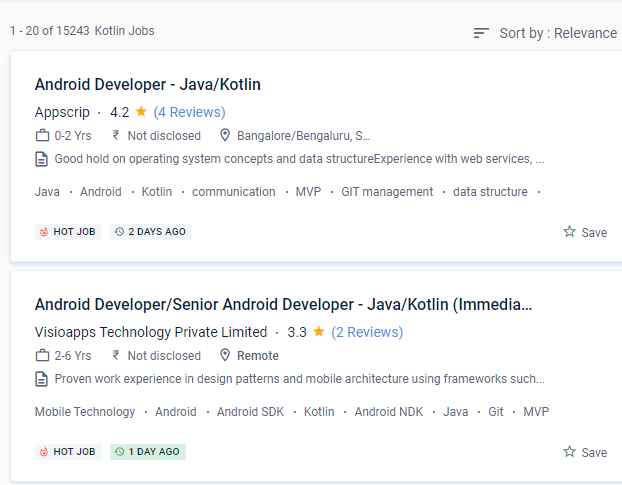
 Many ideas, including Android Studio and a variety of alternative SDKs, support it, and more will undoubtedly be added in the future. Because Kotlin is utilized for both web and server-side programming, you'll be able to add a lot of strings to your bow. When developing using Kotlin, you may prevent mistakes like NullPoint Exceptions. The library needed to create Kotlin Apps is quite tiny, and Kotlin compilation times are already comparable to Java.
Even if you make a mistake when coding the code, you can fix it right away. It is used in the manufacture of several well-known firms. It also encourages test-driven development, which minimizes the number of bugs. Since the platform was originally set up, android apps have been rolling in thick and fast through Nestsoft android online training in Madurai. In Kotlin, the quantity of code written is less, and as a result, the number of bugs is lower.
.
Many ideas, including Android Studio and a variety of alternative SDKs, support it, and more will undoubtedly be added in the future. Because Kotlin is utilized for both web and server-side programming, you'll be able to add a lot of strings to your bow. When developing using Kotlin, you may prevent mistakes like NullPoint Exceptions. The library needed to create Kotlin Apps is quite tiny, and Kotlin compilation times are already comparable to Java.
Even if you make a mistake when coding the code, you can fix it right away. It is used in the manufacture of several well-known firms. It also encourages test-driven development, which minimizes the number of bugs. Since the platform was originally set up, android apps have been rolling in thick and fast through Nestsoft android online training in Madurai. In Kotlin, the quantity of code written is less, and as a result, the number of bugs is lower.
.