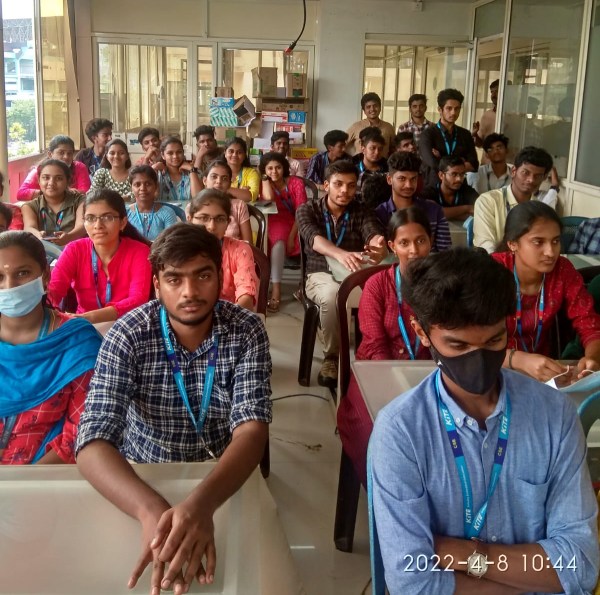
Angular JS Online Live Class by Experts
Our Training/Internship Process

Angular JS - Syllabus, Fees & Duration
Module 1: Introduction to HTML
- HTML Basics, Elements, Attributes, Styles
- Forms, Form Elements, Input Element Types
- Input Attributes, File Paths, Script tag
- HTML & XHTML
Module 2: Introduction to CSS
- CSS Introduction, Syntax, Selectors, Styling
- Pseudo class, Pseudo Elements
- CSS Tables, CSS Box Models
- CSS Opacity, CSS Navigation Bar, Dropdowns
Module 3: Introduction to JavaScript
- JavaScript Statements, Keywords, Functions
- JavaScript Programs, Operators, Functions
- Function Parameters, Function Return Types
- Data Types, Primitive Types
Module 4: Working with Objects
- Object Oriented Programming, Object Creation
- Adding Methods of Objects
- JavaScript Loops Iteration
- Adding Properties of Objects
- JavaScript Conditional Statements
- Enumerating Properties, Callbacks, JSON
Module 5: Angular JS Basics
- What is Angular JS?
- Why Angular JS?
- Why MVC matters
- MVC-The Angular JS way
- Features of Angular JS ,Model-View-Controller
- My First Angular JS app
Module 6: Angular Expressions
- All about Angular Expressions
- How to use expressions, Angular vs JavaScript
Module 7: Filters
- Built-In Filters, Using Angular JS Filters
- Creating Custom Filters
Module 8: Directives
- Introduction to Directives, Directive Lifecycle
- Binding controls to data, Matching directives
- Using Angular JS built-in directives
- Creating a custom directive
Module 9: Controllers
- Role of a Controller, Controllers Modules
- Attaching Properties and functions to scope
- Nested Controllers, Using Filters in Controllers
- Controllers in External Files
Module 10: Angular JS Modules
- Introduction to Angular JS Modules
- Bootstrapping Angular JS
Module 11: Angular JS Forms
- Working with Angular Forms, Model Binding
- Forms Events, Updating Models with a Twist
- Form Controller, Validating Angular Forms
- $error object
Module 12: Scope
- What is scope, Scope Lifecycle
- Scope Inheritance, Scope & Controllers
- Root scope, Scope Broadcasting
- Two-way data binding, Scope Inheritance
- Scope & Directives, $apply and $watch
- Scope Events
Module 13: Dependency Injection Services
- What is Dependency Injection
- Creating Services, Factory, Service & Provider
- Using Dependency Injection, What are services
- Using Angular JS built in services
Module 14: Single Page Application (SPA)
- What is SPA, Pros and Cons of SPA
- Passing Parameters, Changing location
- Installing the ng Route module, Configure routes
- Resolving promises, Creating a Single Page Apps
Module 15: Angular JS Animation
- ng Animate Module, CSS Transforms
- CSS Transitions, Applying Animations
Module 16: Introduction to Node JS
- Introduction to Node JS
- Advantages of Node JS
- What is Node JS, Node.js Process Model
- Traditional Web Server Model
Module 17: Setup Development Environment
- Install Node.js on Windows
- Working in REPL, Node JS Console
Module 18: Node JS Modules
- Functions, Buffer, Module
- Modules Types
- Core Modules, Local Modules
- Modules Exports
Module 19: Node Package Manager
- What is NPM, Installing Packages Locally
- Installing package globally
- Adding dependency in package json
- Updating packages
Module 20: Creating Web Server
- Creating Web Server
- Sending Requests
- Handling http requests
Module 21: File System
- read File, Writing a File
- Opening a file, Deleting a file
- Writing a file asynchronously
- Other IO Operations
Module 22: Debugging Node JS Application
- Core Node JS Debugger
Module 23: Events
- Event Emitter class
- Inheriting Events
- Returning event emitter
Module 24: Express JS
- Configuring Routes
- Working with Express
Module 25: Serving Static Resources
- Serving Static Files
- Working with Middle Ware
Module 26: Database Connectivity
- Connecting String, Configuring
- Updating Records
- Working with Select Command
- Deleting Records
Project Development
This syllabus is not final and can be customized as per needs/updates
- Since 2001, Making IT Experts by Experts
- Duration: 20 Hours (Vary as per your skill)
- Course Fees
- Individual Live Classes (1:1)
- Batch Classes @ Low Fees
- Training on Your Time, Any Where
- Access to Recorded Videos
- Practical Internship on Projects
- 100% Placement Support by our jobsNEAR.in
- Training/Internship Certificate
- Agra
- Ahmedabad
- Alappuzha
- Aurangabad
- Bangalore
- Belgaum
- Bellary
- Bhubaneswar
- Chennai
- Cochin
- Coimbatore
- Delhi
- Dindigul
- Erode
- Gulbarga
- Guntur
- Gurgaon
- Haryana
- Hyderabad
- Idukki
- Indore
- Jaipur
- Kalyan
- Kannur
- Kanpur
- Kasaragod
- Kerala
- Kolkata
- Kollam
- Kottayam
- Kozhikode
- Lucknow
- Madurai
- Malappuram
- Mangaluru
- Mumbai
- Mysuru
- Nagpur
- Nashik
- Navi Mumbai
- Nizamabad
- Noida
- Palakkad
- Pathanamthitta
- Pune
- Punjab
- Salem
- Shimla
- Solapur
- Surat
- Thane
- Thanjavur
- Thirunelveli
- Thoothukudi
- Thrissur
- Tiruchirappalli
- Tiruppur
- Trivandrum
- Vadodara
- Varanasi
- Vellore
- Vijayawada
- Visakhapatnam
- Wayanad
Course Highlights

Our Locations

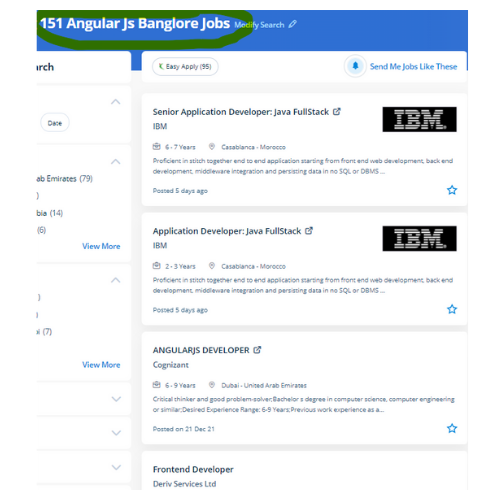
 AngularJS allows developers to stay in web infrastructures with ease & comfortability. AngularJS framework is comparatively modifiable when it involves server communication. Our Angular Course content is designed from scratch with very basic setups to advanced ideas like hosting the App, so Our Angular training is qualified for any passionate aspirant to become professional} Angular expert. Angular, with its advanced tools, makes for the most effective front-end framework for a single-page web app like Forbes that desires constant content updates. Having a versatile app development design is bliss for every creator. Our Job oriented AngularJS coaching is instructed by experienced certified professionals with extensive real-world experience. changing the current source code based on business wants is easy due to the framework simplifying it into shortcodes.
. AngularJS could be a famous framework maintained by Google to modify development & look for strategies among developers across the world. you may learn beginner to advanced subjects in the AngularJS frameworks.
AngularJS allows developers to stay in web infrastructures with ease & comfortability. AngularJS framework is comparatively modifiable when it involves server communication. Our Angular Course content is designed from scratch with very basic setups to advanced ideas like hosting the App, so Our Angular training is qualified for any passionate aspirant to become professional} Angular expert. Angular, with its advanced tools, makes for the most effective front-end framework for a single-page web app like Forbes that desires constant content updates. Having a versatile app development design is bliss for every creator. Our Job oriented AngularJS coaching is instructed by experienced certified professionals with extensive real-world experience. changing the current source code based on business wants is easy due to the framework simplifying it into shortcodes.
. AngularJS could be a famous framework maintained by Google to modify development & look for strategies among developers across the world. you may learn beginner to advanced subjects in the AngularJS frameworks.