Flutter Online Live Class by Experts
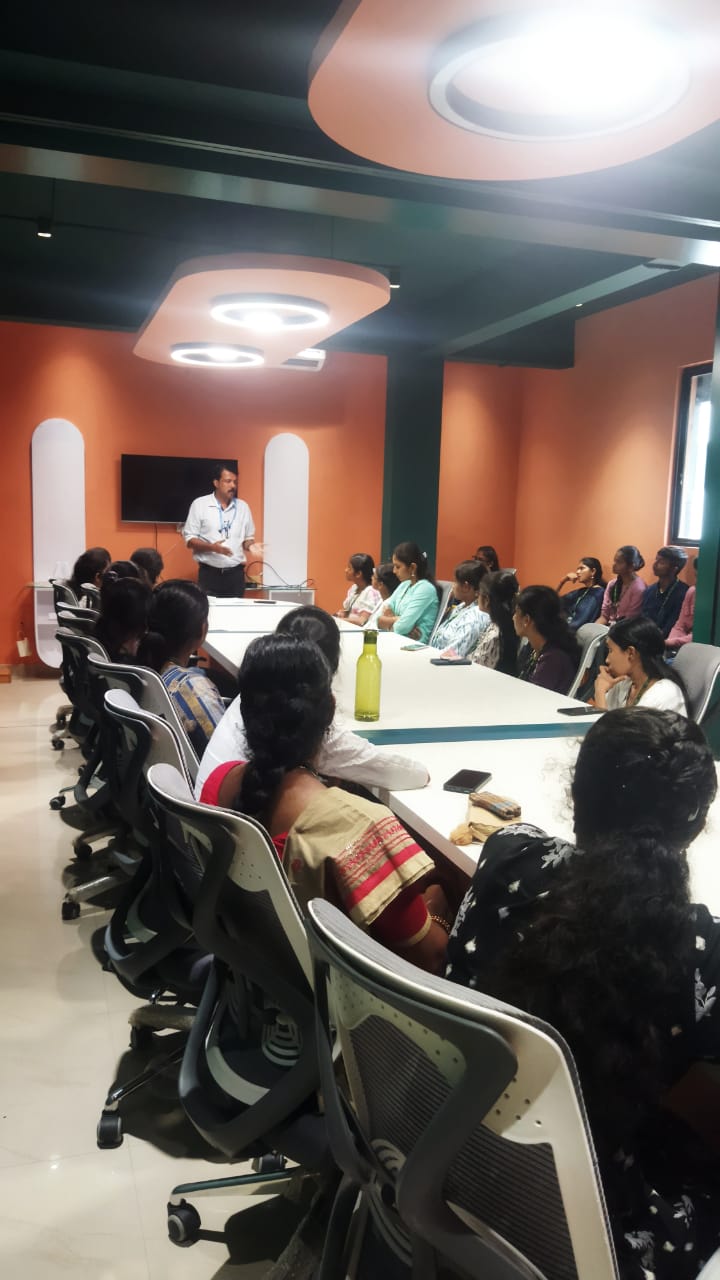
Our Training/Internship Process

Flutter - Syllabus, Fees & Duration
Module 1: Introduction
- Introduction to Flutter
Module 2: Introduction To Dart
- Reason why Dart holds the fort strong.
- Installing Visual Studio Code and the Dart Plugin.
- Installing Dart SDK.
- Writing the first Dart Program.
Module 3: Setting Up Flutter
- Downloading/Cloning the Flutter SDK.
- Installing Flutter Plugin within VS Code.
- Understanding the structure of a Flutter Project.
- Building a simple app from scratch.
Module 4: Introducing Widget
- Widgets and their role in a Flutter app.
- The MaterialApp and Scaffold widget.
- AppBar.
- FloatingActionButton.
- More widgets - Text, Center and Padding.
- Recreating the Default Flutter App (UI Only)
Module 5: Common Widget In Flutter
- Containers and their role.
- Importing images from a network.
- Importing images as assets.
- Adding icons to widgets.
- Understanding Row and Column.
- ListView and ListTile.
- Building views using ListView.builder.
- Inkwell and its importance.
Module 6: Stateless And Stateful Widgets- The Concept
- Stateless vs. Stateful widgets.
- Defining a State
- The setState() method.
- Returning to the Default Flutter App.
Module 7: Navigating Through Navigation
- Navigator and routes.
- Applying push() using MaterialPageRoute.
- Applying pop().
- Declaring parameter-less routes (push Named()) in Materia Lapp widget.
Module 8: Handling User Input
- Using Text Field.
- Handling changes to a Text Field.
- Pass retrieved values using Navigator.
Module 9: User Interface
- Applying Theme Data.
- The Basic Screen Layout.
- Applying Custom Font.
Module 10: Asynchronous Functions
- function.
- async and await
Module 11: Working With Remote Data
- The http package.
- Model Class and JSON parsing.
- Displaying Remote Data. (NEWS API).
Module 12: Local storage
- Shared Preferences.
Module 13: Using 3rd Party Packages
- The url_launcher package.
- Adding onTap() to NEWS API.
Module 14: Other Useful Widgets
- Grid View.
- The Hero Animation
- Stack
- Alert Dialog with buttons.
This syllabus is not final and can be customized as per needs/updates
- Since 2001, Making IT Experts by Experts
- Duration: 60 Hours (Vary as per your skill)
- Course Fees
- Individual Live Classes (1:1)
- Batch Classes @ Low Fees
- Training on Your Time, Any Where
- Access to Recorded Videos
- Practical Internship on Projects
- 100% Placement Support by our jobsHybrid.com
- Training/Internship Certificate
- Agra
- Ahmedabad
- Alappuzha
- Aurangabad
- Bangalore
- Belgaum
- Bellary
- Bhubaneswar
- Chennai
- Cochin
- Coimbatore
- Delhi
- Dindigul
- Erode
- Gulbarga
- Guntur
- Gurgaon
- Haryana
- Hyderabad
- Idukki
- Indore
- Jaipur
- Kalyan
- Kannur
- Kanpur
- Kasaragod
- Kerala
- Kolkata
- Kollam
- Kottayam
- Kozhikode
- Lucknow
- Madurai
- Malappuram
- Mangaluru
- Mumbai
- Mysuru
- Nagpur
- Nashik
- Navi Mumbai
- Nizamabad
- Noida
- Palakkad
- Pathanamthitta
- Pune
- Punjab
- Salem
- Shimla
- Solapur
- Surat
- Thane
- Thanjavur
- Thirunelveli
- Thoothukudi
- Thrissur
- Tiruchirappalli
- Tiruppur
- Trivandrum
- Vadodara
- Varanasi
- Vellore
- Vijayawada
- Visakhapatnam
- Wayanad
Course Highlights

Our Locations

 A specialist can use the Cupertino library included in the SDK while working on the iOS component. Learn from our on-site Expert Professionals. Flutter speeds up and streamlines the development process by allowing developers to create apps for both iOS and Android using the same codebase. Flutter provides wonderful aspects for creating apps with a lot of native-like sensations and, as a result, a better user experience, in addition to faster and easier code authoring.
Flutter Course has the potential to be a cross-platform app development solution. Flutter is based on the Dart programming language, which is both productive and easy to learn. By using the tools given by flutter, you can make internationalisation a snap and include it straight into development. even if you've never programmed before.
Nestsoft's Google Flutter Training in Palakkad will help you gain a solid understanding of this UI mobile framework so you can construct Native Cross-Platform Mobile Applications quickly. You'll learn how to code in Dart and create attractive, quick, native-quality iOS and Android apps throughout this training programme.
A specialist can use the Cupertino library included in the SDK while working on the iOS component. Learn from our on-site Expert Professionals. Flutter speeds up and streamlines the development process by allowing developers to create apps for both iOS and Android using the same codebase. Flutter provides wonderful aspects for creating apps with a lot of native-like sensations and, as a result, a better user experience, in addition to faster and easier code authoring.
Flutter Course has the potential to be a cross-platform app development solution. Flutter is based on the Dart programming language, which is both productive and easy to learn. By using the tools given by flutter, you can make internationalisation a snap and include it straight into development. even if you've never programmed before.
Nestsoft's Google Flutter Training in Palakkad will help you gain a solid understanding of this UI mobile framework so you can construct Native Cross-Platform Mobile Applications quickly. You'll learn how to code in Dart and create attractive, quick, native-quality iOS and Android apps throughout this training programme.